Delete Etoro Account 2026 – Simple Step-By-Step Guide

이 페이지에서

Launched in 2007, eToro is a popular  social trading and multi-asset brokerage firm. Back in 2013, eToro pioneered digital currency trading with Bitcoin (BTC) while adopting Ethereum (ETH) and Ripple (XRP) to the platform shortly after.

eToro’s acclaimed platform also supports 80+ cryptocurrencies, serving as a strong crypto exchange and a versatile multicurrency wallet for traders. While there is a lot that this platform brings, you may still want to delete your eToro account.

Best eToro Alternatives

It can be due to dissatisfaction with features or the need for a better alternative like Blofin, which provides a much better and cheaper crypto trading platform. Another great option is Kucoin.

Either way, deleting your eToro account can be a hassle. To help you out, this article will take you through the step-by-step process of deleting your eToro account, ensuring a smooth transition to your chosen path.

What Happens if You Delete Your eToro Account?

According to eToro itself, the following will happen once you delete your account:

  • Your account will be blocked.
  • Your profile will turn private, but your community posts will stay public. If you want to hide your posts, ask Customer Service.
  • The process could take up to 3 days.
  • You’ll get an email confirming your account is closed.
  • If the remaining funds are $5 or less, you can’t withdraw them.
  • You’ll lose eToro Club perks and any unpaid interest.
  • The crypto in your wallet won’t be accessible.
  • Once closed, you can’t reopen the account. However, you can make a new one with a different email and username.

How to Delete Etoro Account?

If you’re ready to close your eToro account for good, follow these simple steps:

Log In to eToro:

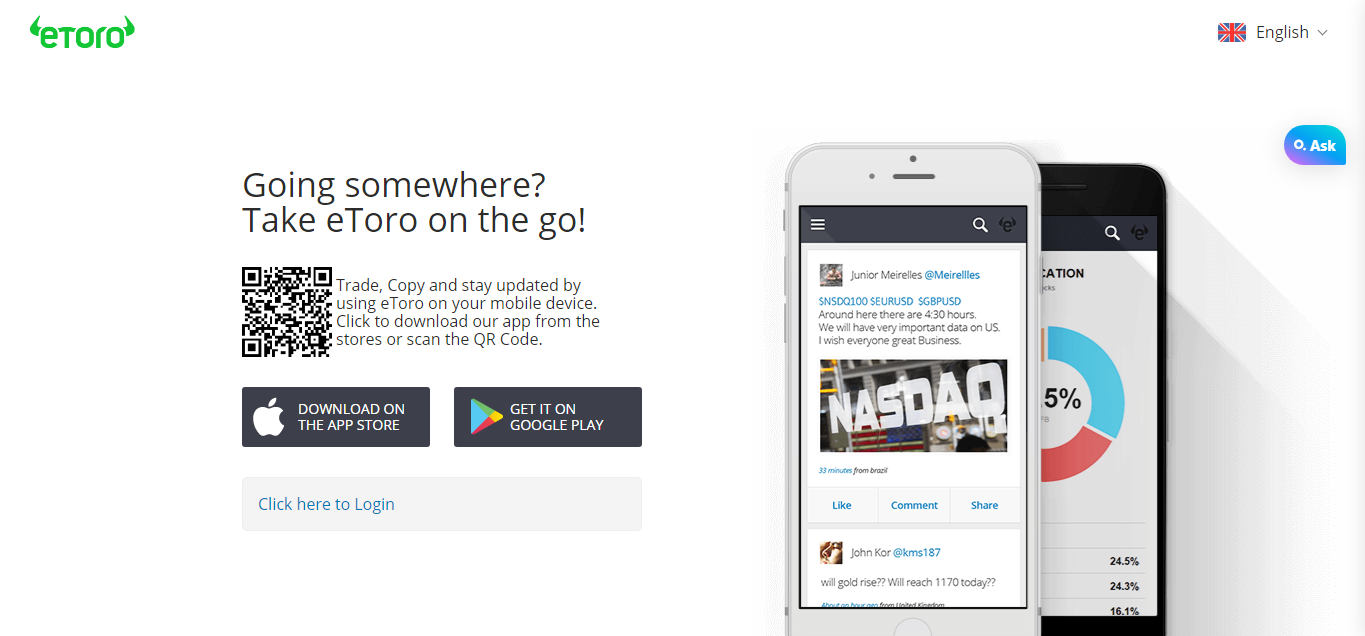
Visit eToro’s official website. To get started, log in with your eToro account information (username and password).

Delete Etoro Account 2026 – Simple Step-By-Step Guide: Log In to eToro:

Access Settings:

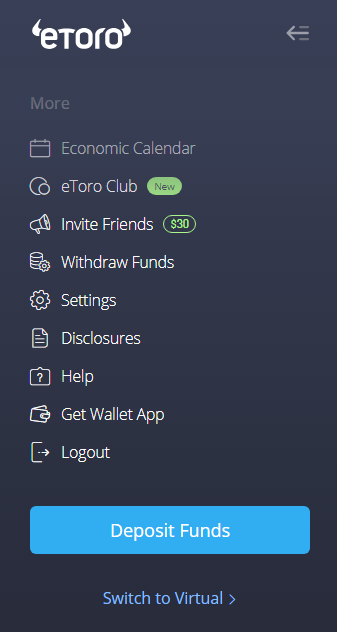
Once you’ve successfully logged in, you’ll be inside your account. Now, look around the page to find the word “Settings.” It’s usually located on the left side of the screen. Click on it when you find it.

Delete Etoro Account 2026 – Simple Step-By-Step Guide: Access Settings:

Choose Account:

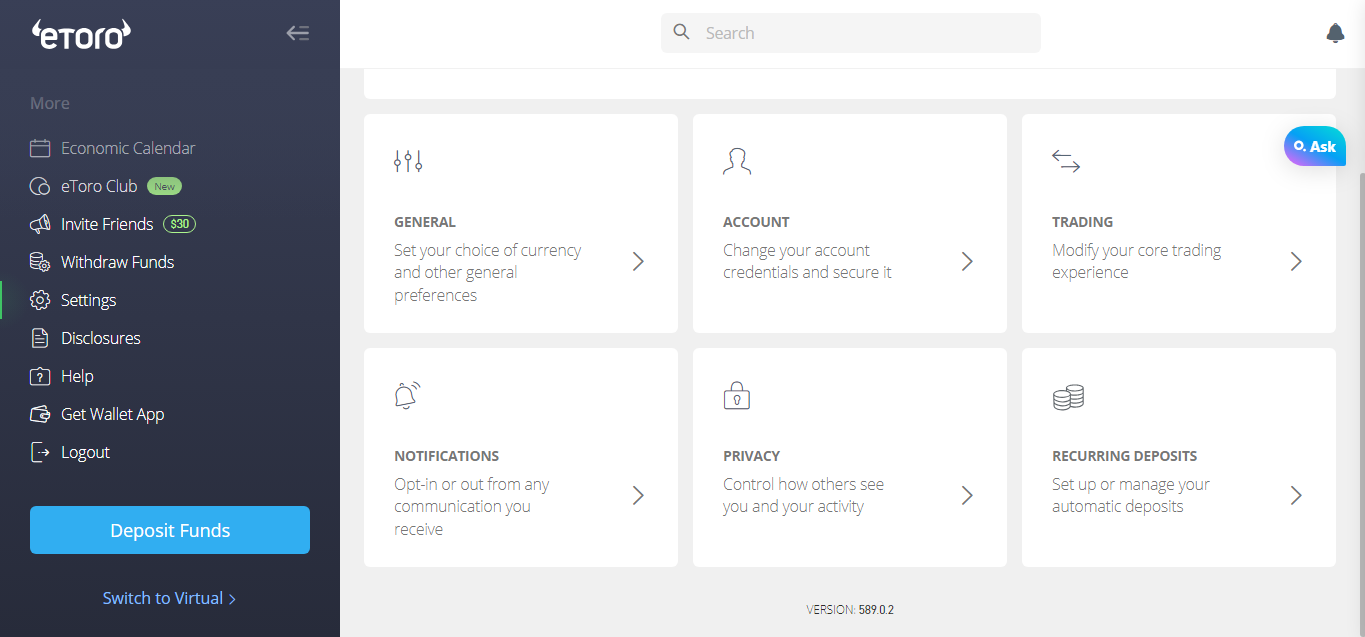
After clicking on “Settings,” you’ll see a list of options related to your account. Among these options, there should be one labeled “Account.” Click on that one.

Delete Etoro Account 2026 – Simple Step-By-Step Guide: Choose Account:

Select Close Account:

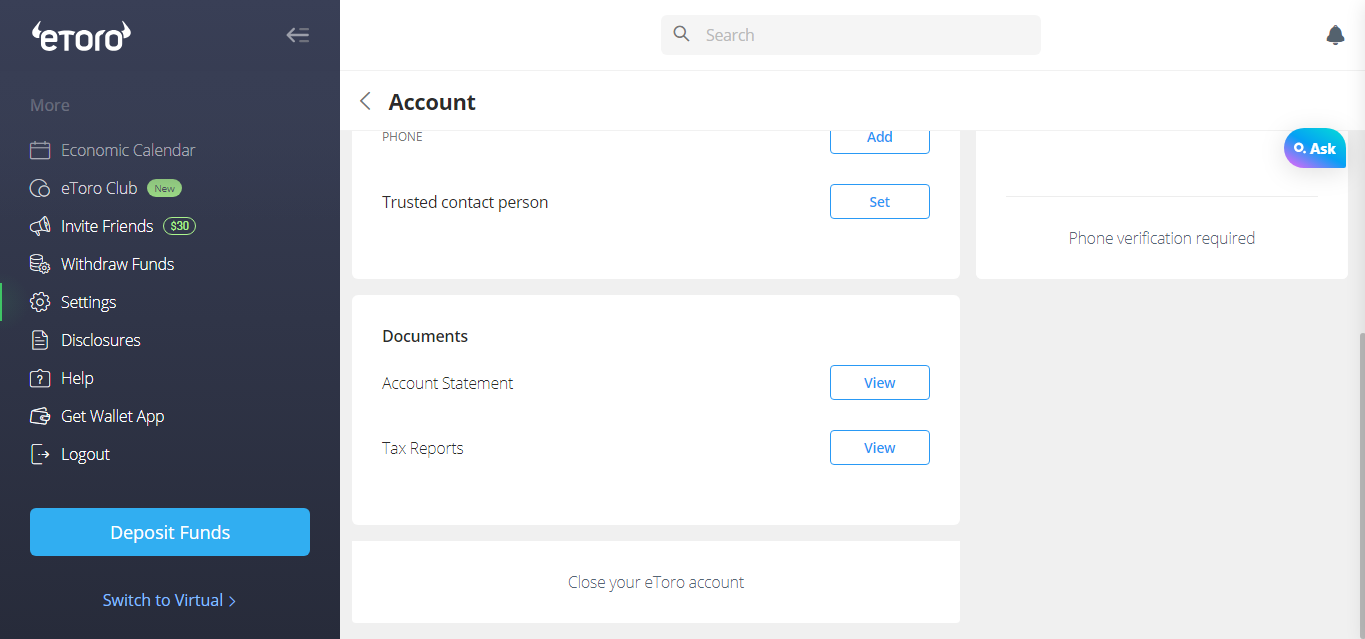
Inside the “Account” section, scroll down on the page. Keep scrolling until you find something that says, “Close your eToro account.” This is the option you’re looking for.

Select Close Account:

Pick a Reason:

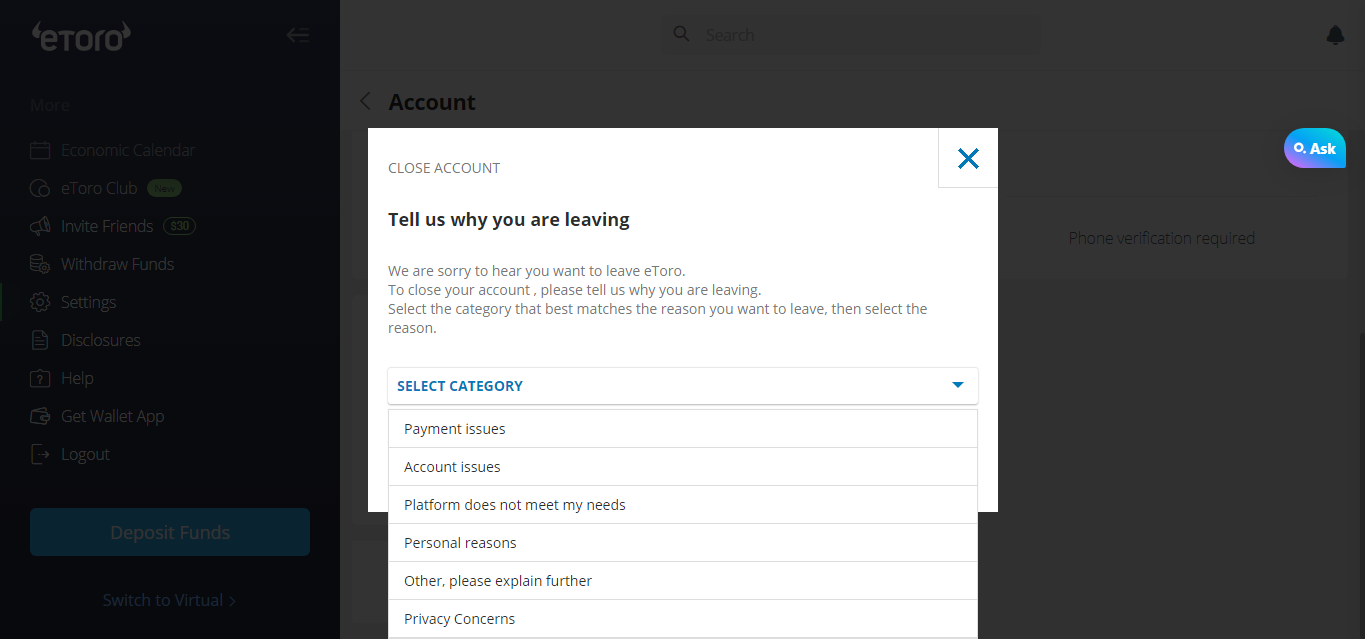
Once you click “Close your eToro account,” the next page will ask why you’re deciding to close it. Here, you can go through a list of reasons shared by the platform and choose the one that fits your situation best.

Delete Etoro Account 2026 – Simple Step-By-Step Guide: Pick a Reason:

Confirm and Finish:

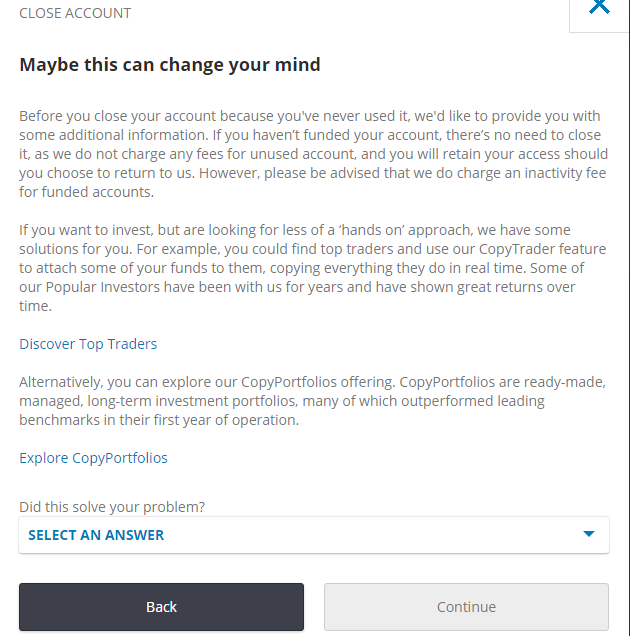
After you’ve picked your reason, the system will ask you to confirm your choice. This step is important because it ensures you’re intentionally closing your account. Follow the instructions provided to confirm your decision.

Once you’ve confirmed, your eToro account will be closed permanently.

Confirm and Finish:

And that’s it – you’ve successfully closed your eToro account.

How to Withdraw Money from eToro?

Here’s how you can get your money out:

  • Log in to your eToro account.
  • Click on “Withdraw Funds” on the left-hand menu.
  • You can take out at least $30.
  • You have to pay a $5 withdrawal fee.
  • Enter the amount you want to withdraw in USD. If you want to withdraw in any other currency, you will also have to pay a conversion fee based on the currency you choose.
  • Complete the withdrawal form.
  • Click “Submit.”

Things to Know Before Deleting Etoro Account?

Before closing your eToro account, here are some additional factors you should keep in mind:

  • Close your trading positions and withdraw funds from eToro.
  • Your withdrawal might be canceled if you don’t follow these rules:
    • Make sure you withdraw a minimum of $30.
    • Close all your trading positions before requesting a withdrawal.
    • Verify your account using personal documents such as a government-issued ID, phone number verification, and address proof.
    • Have valid payment methods under your name accepted in your country of residence.

Conclusion:

Ultimately, if you’ve realized that eToro isn’t meeting your needs and you’re certain you won’t be using it anymore, closing your account is a wise decision.

Notably, eToro imposes a $10 monthly fee on accounts that remain inactive for a year. This adds weight to the idea of shutting down your unused account.

Now, deleting an account on eToro is straightforward, consisting of only a few steps, which you can easily locate on their website. But if you’re having any trouble, you can contact their customer service for assistance.

We hope this detailed guide will help ensure a smooth exit from your eToro account without incurring significant costs.

질문

FAQ:

No, you can only have one eToro account at a time.

eToro typically closes accounts in around three days.

제휴 고지: 이 페이지의 링크를 통해 계정을 개설하면 CryptoWinRate가 수수료를 받을 수 있으며, 이용자에게 추가 비용은 발생하지 않습니다. 이는 점수나 표시된 데이터에 영향을 주지 않습니다. 점수와 데이터는 모두 거래소 데이터베이스를 기반으로 합니다.
작성자

CryptoWinRate

Editorial Desk

Crypto Win Rate

계속 읽기

관련 문서

2026년 최고의 eToro 대안

트레이더들이 eToro 대안을 찾는 이유 eToro의 현물 메이커 수수료는 1%, 테이커 수수료는 1%입니다. 거래량이 많은 트레이더라면 수수료가 부담스럽게 느껴질 수 있습니다. 거래하거나 출금하려면 먼저…

CryptoWinRate· 2026년 10월 3일